🏆 iF Design & Computex award-winning engineering•Retail & OEM partners in 30+ markets
Technical Documentation

User Manuals

Official operational guides, quick setup manuals, and safety specifications for Oaxis smart wearables and digital hardware platforms.

Product Support Hub

Official Technical Documentation & Setup Guides

Whether you are onboarding a new retail shipment, managing OEM deployment, or configuring personal hardware, Oaxis provides comprehensive, step-by-step documentation for every platform. All manuals are verified by our in-house engineering team to ensure CE, FCC, and Bluetooth SIG alignment.

E Ink Display Accessories

E Ink Smartphone Case Documentation

Guides for display configuration, bluetooth pairing, screen refresh management, and companion app synchronization.

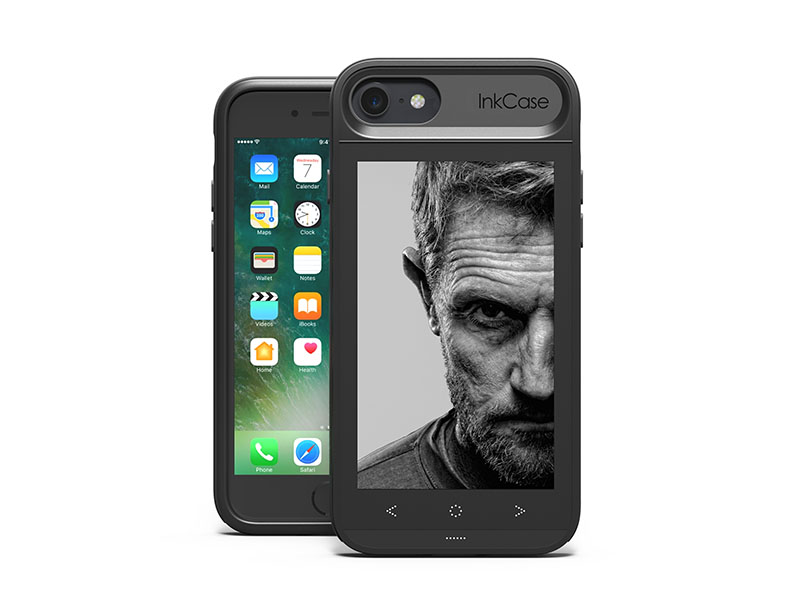
InkCase i7 User Manual Documentation
Second Screen Case

InkCase i7 Guide

Complete operational manual for InkCase i7 dual-screen smartphone case. Covers e-paper setup, photo transfer, and battery optimization.

Format: Digital PDF Language: Multilingual
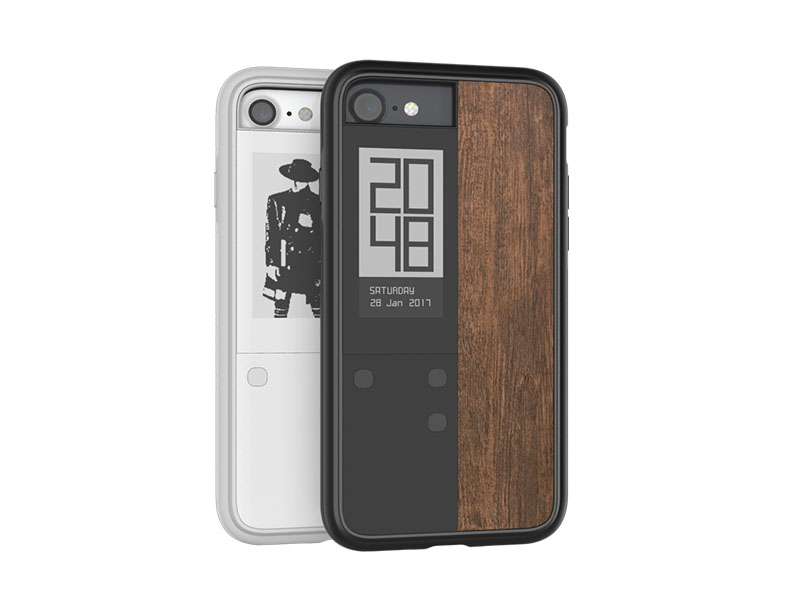
InkCase IVY User Guide
Smart E-Paper Case

InkCase IVY Guide

Setup instructions for InkCase IVY always-on e-paper case. Includes notification widgets, artwork push, and low-power modes.

Format: Digital PDF Language: English / International
Connected Health & Activity

Fitness Tracker & Smartband Guides

Detailed documentation covering optical PPG heart rate calibration, step tracking algorithms, IP-rating compliance, and mobile app pairing.

Tenvis HR Heart Rate Tracker Manual
24/7 Heart Rate

Tenvis HR Manual

Operational guide for continuous heart rate monitoring, sleep cycle staging, daily step sync, and charging care instructions.

Format: Digital PDF Language: Multilingual
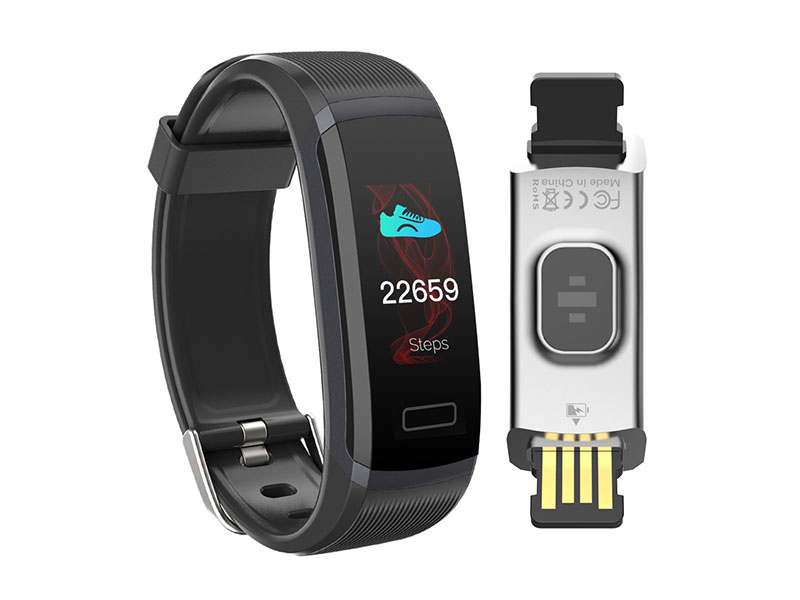
Tenvis HR Lite User Manual
Slim Activity Band

Tenvis HR Lite Manual

Quick start guide for the ultra-light Tenvis HR Lite activity band. Details touch control navigation, battery care, and alert setup.

Format: Digital PDF Language: English / Asian Languages
OmniWatch Smartwatch Documentation
Everyday Smartwatch

OmniWatch Manual

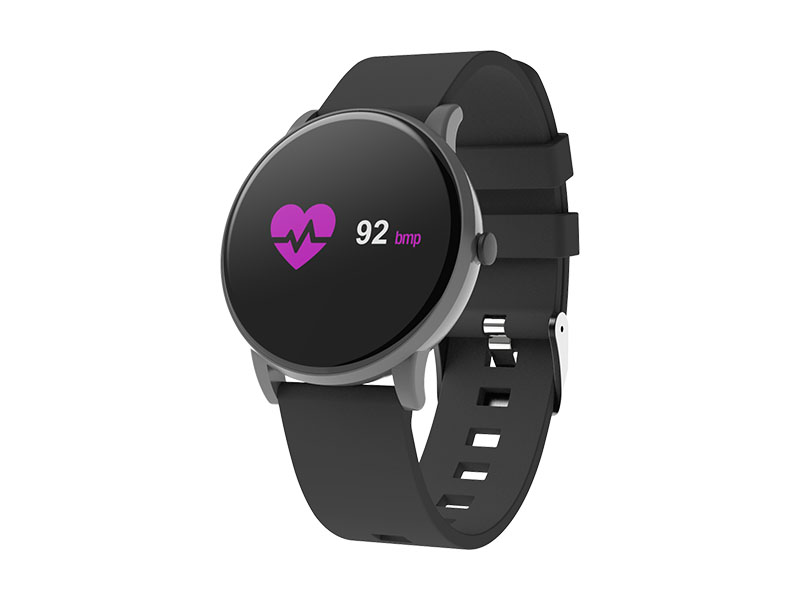
Complete instructions for OmniWatch heart rate watch. Explains display navigation, multi-sport mode tracking, and smartphone notifications.

Format: Digital PDF Language: Multilingual
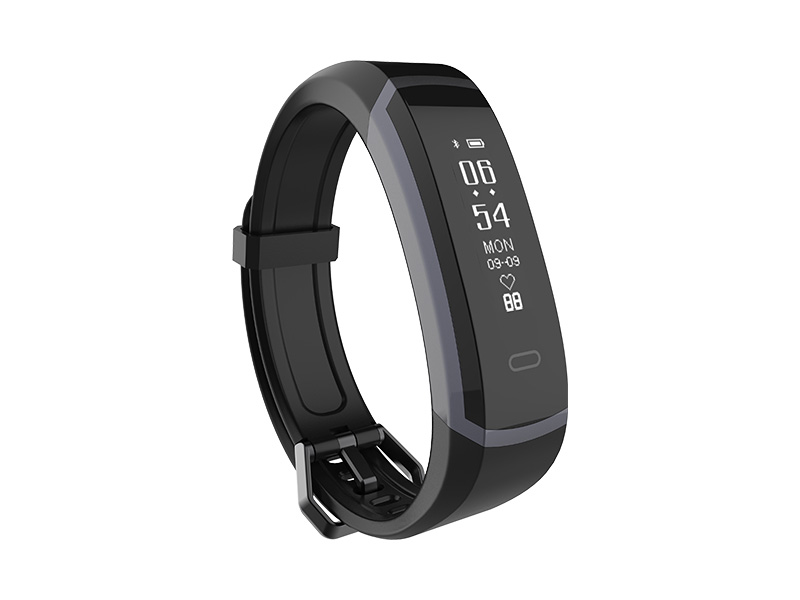
OmniBand HR+ Smart Band User Manual
HR Activity Band

OmniBand HR+ Guide

User manual for OmniBand HR+ activity tracker. Covers gesture control, PPG sensor calibration, and data synchronization workflows.

Format: Digital PDF Language: Multilingual
Child Safety & Creative Tech

Kids Smartwatch & Edutainment Guides

Parent-focused quick start references for safe cellular onboarding, GPS location configuration, camera controls, and interactive creative tools.

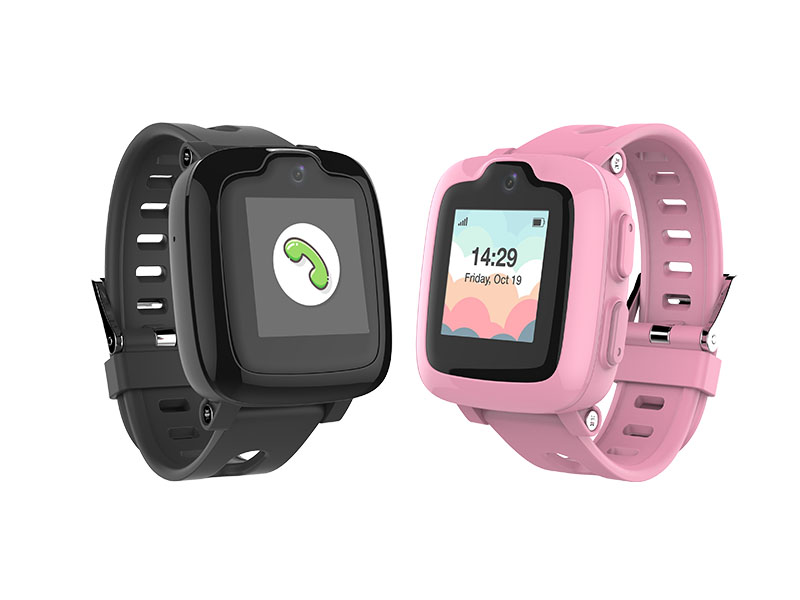
myFirst Fone S2 Kids Smartwatch Manual
4G GPS Smartwatch

myFirst Fone S2 Guide

Setup instructions for SIM card installation, GPS tracking accuracy, whitelist contact configuration, and emergency SOS button testing.

Format: Digital PDF Language: English / Japanese
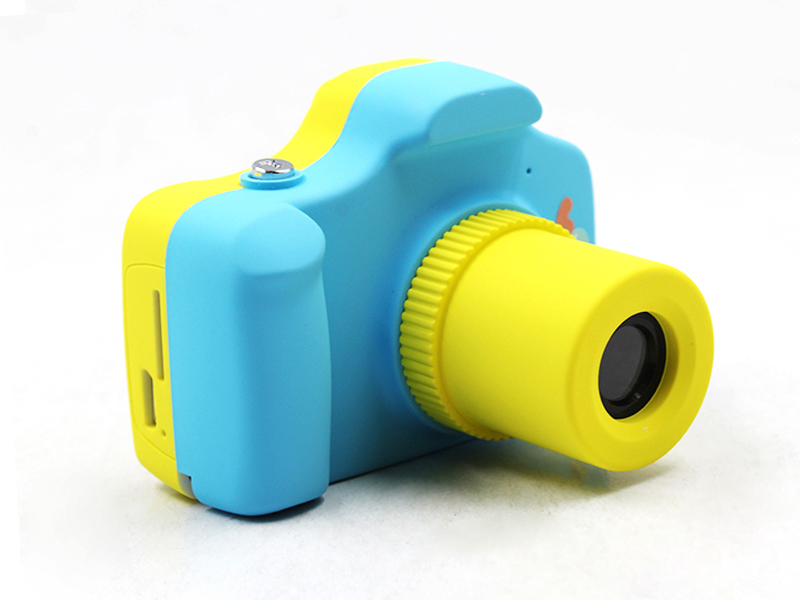
myFirst Camera 1 User Guide
Kids Digital Camera

myFirst Camera Guide

Operating instructions for myFirst Camera. Includes photo/video mode switches, MicroSD card formatting, and battery charging routines.

Format: Digital PDF Language: Multilingual
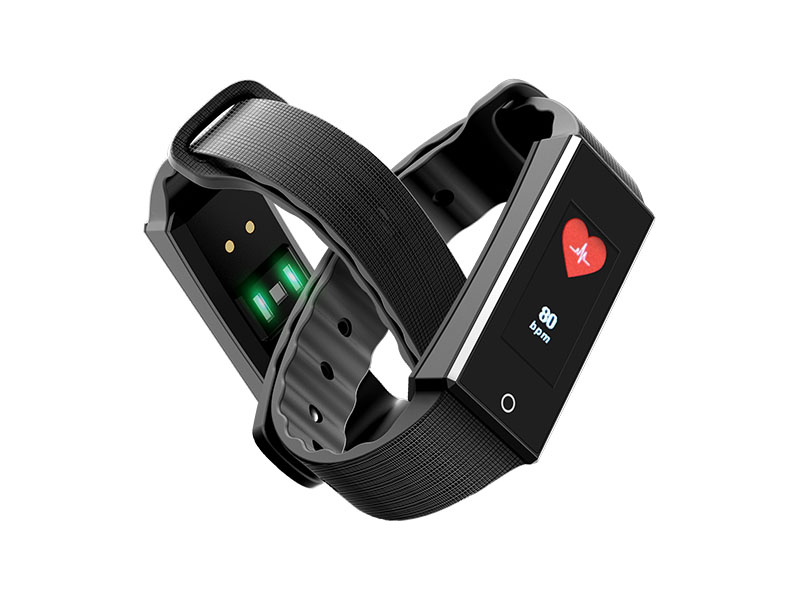
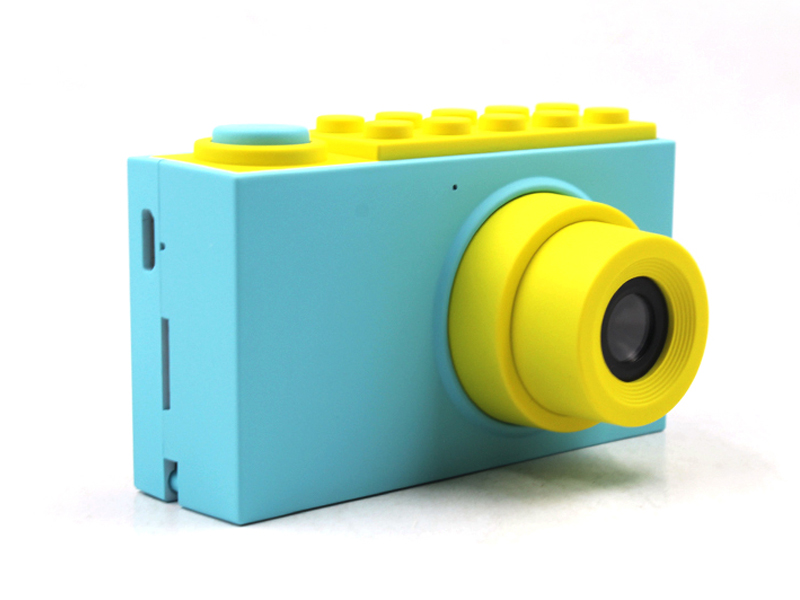
myFirst Camera 2 User Manual
Waterproof Kids Camera

myFirst Camera 2 Guide

User documentation for waterproof camera operation, seal inspection guidelines, frame selection, and memory expansion setup.

Format: Digital PDF Language: Multilingual
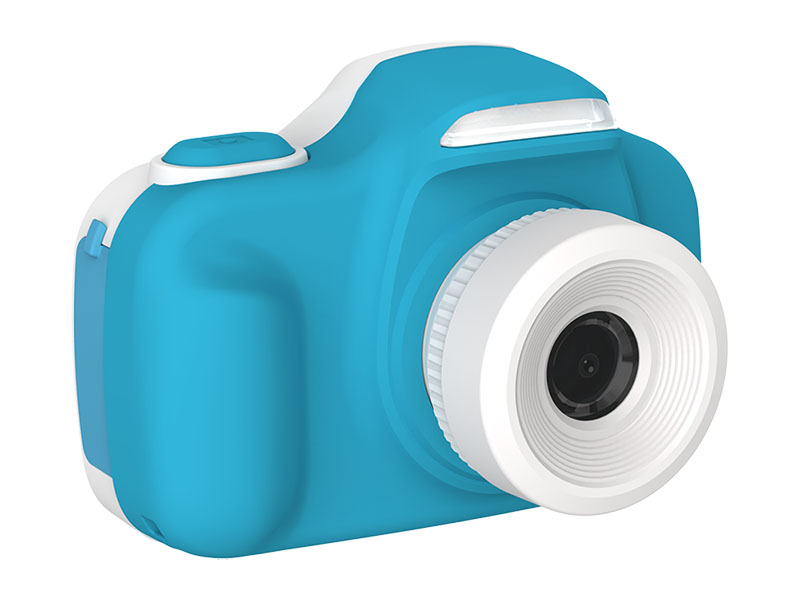
myFirst Camera 3 Technical Manual
Dual Lens Camera

myFirst Camera 3 Guide

Instruction manual for dual-lens selfie camera switching, macro mode adjustments, flash management, and file transfer procedures.

Format: Digital PDF Language: Multilingual
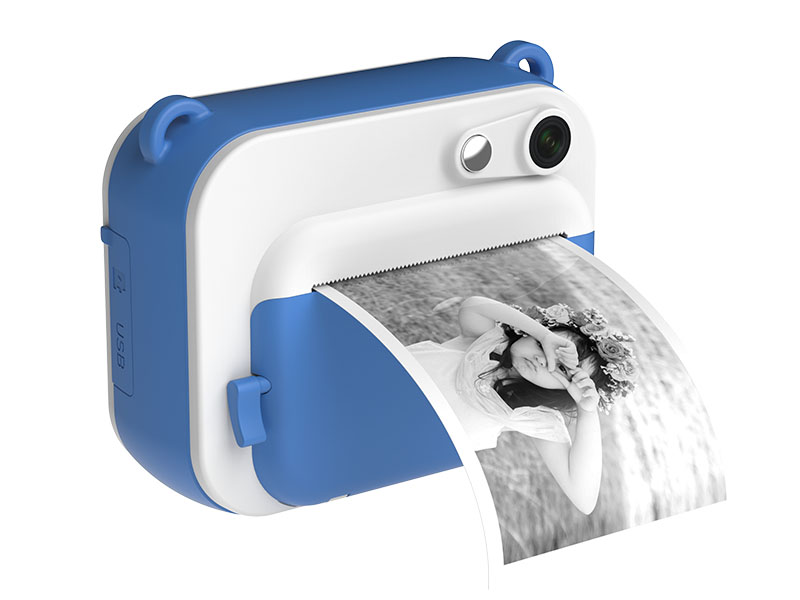
myFirst Camera Insta Manual
Instant Print Camera

myFirst Camera Insta Guide

Operation guide for thermal print paper loading, print density configuration, filter modes, and memory card management.

Format: Digital PDF Language: Multilingual
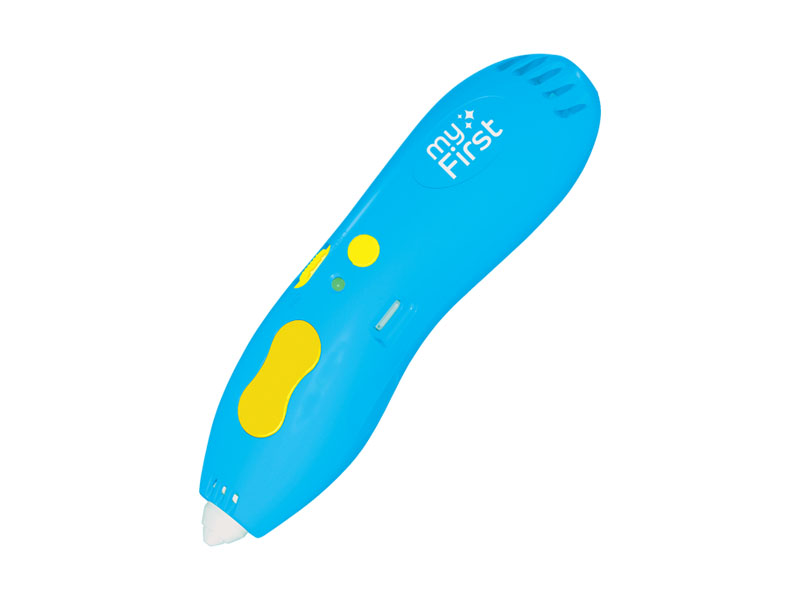
myFirst 3dPen Template Manual
Low-Temp 3D Pen

myFirst 3dPen Templates

Design template book and safety guidelines for low-temperature PCL filament feeding, nozzle cleaning, and 3D object assembly.

Format: Digital PDF Language: Illustrated / English
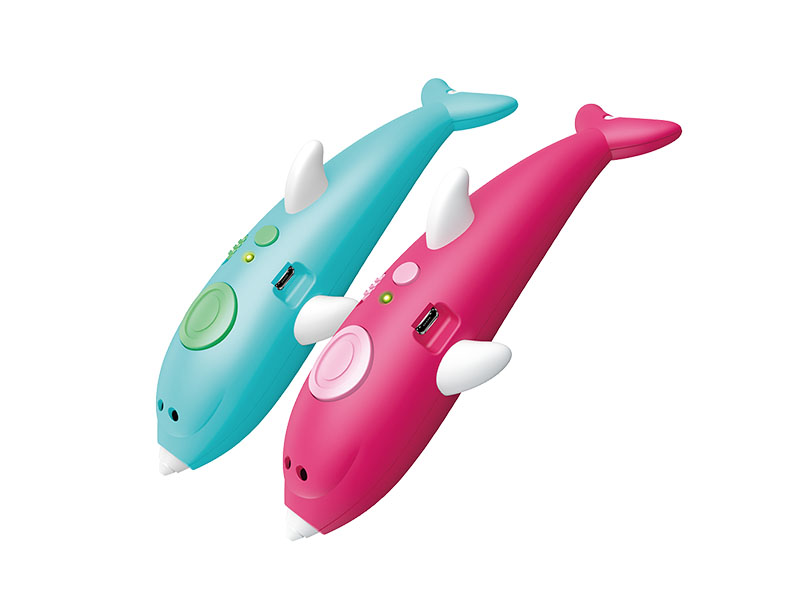
myFirst 3dPen Dolphin Manual
Ergonomic 3D Pen

myFirst 3dPen Dolphin

Instruction manual and creative stencils for dolphin-edition 3D pen. Explains quick heating cycles and filament replacement steps.

Format: Digital PDF Language: Illustrated / English
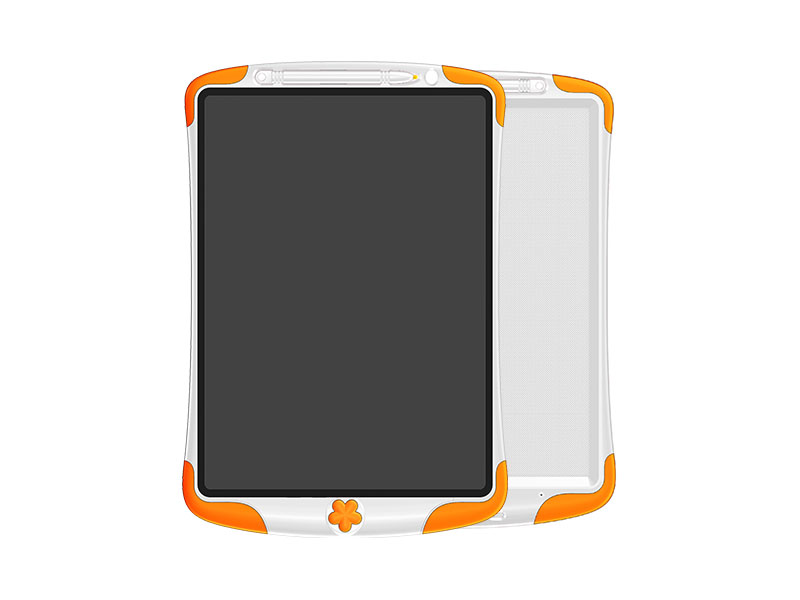
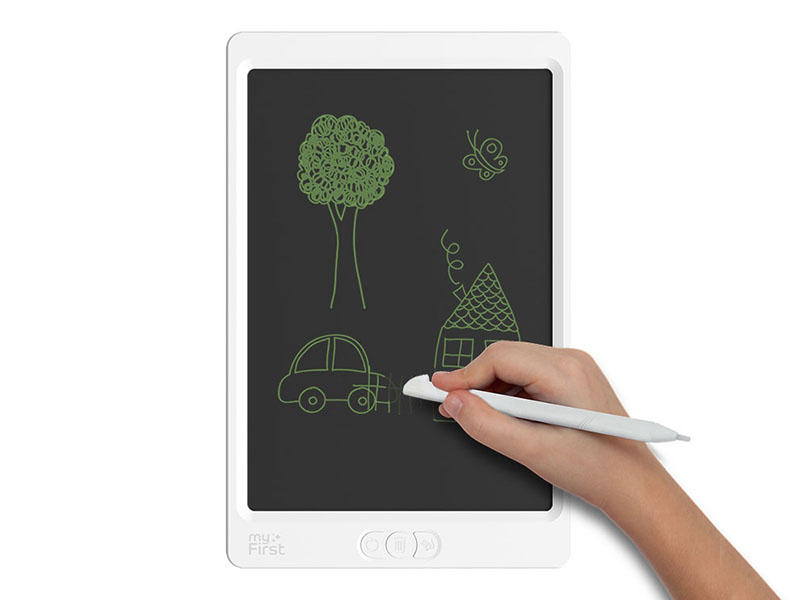
myFirst Sketch Pad User Manual
LCD Drawing Pad

myFirst Sketch Guide

User documentation for 8.5", 10", and Neo LCD sketch pads. Details erase lock operation, stylus pressure sensing, and coin cell replacement.

Format: Digital PDF Language: Multilingual
myFirst Sketch Pro Manual
Memory Save Sketch Pad

myFirst Sketch Pro Guide

Operational instructions for digital canvas saving, bluetooth export to mobile devices, erase lock routines, and battery charging.

Format: Digital PDF Language: Multilingual
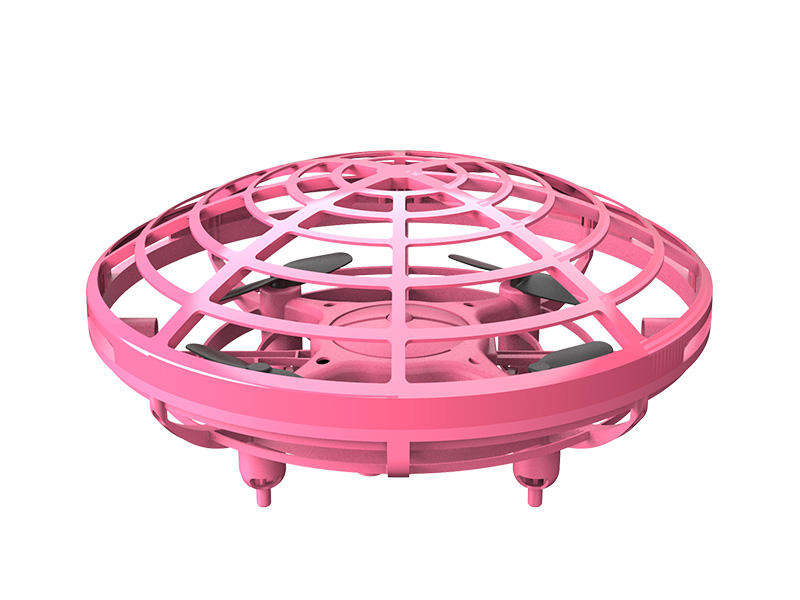
myFirst Drone Play Manual
Motion Sensor Drone

myFirst Drone Play Guide

Safety procedures, proximity sensor calibration, cage guard maintenance, and USB charging specifications for motion-controlled drone.

Format: Digital PDF Language: Multilingual
Smart Audio & Travel Tech

Audio, Health & Travel Hardware Manuals

Operation manuals for safe hearing audio devices, contactless digital thermometers, and precision luggage scales.

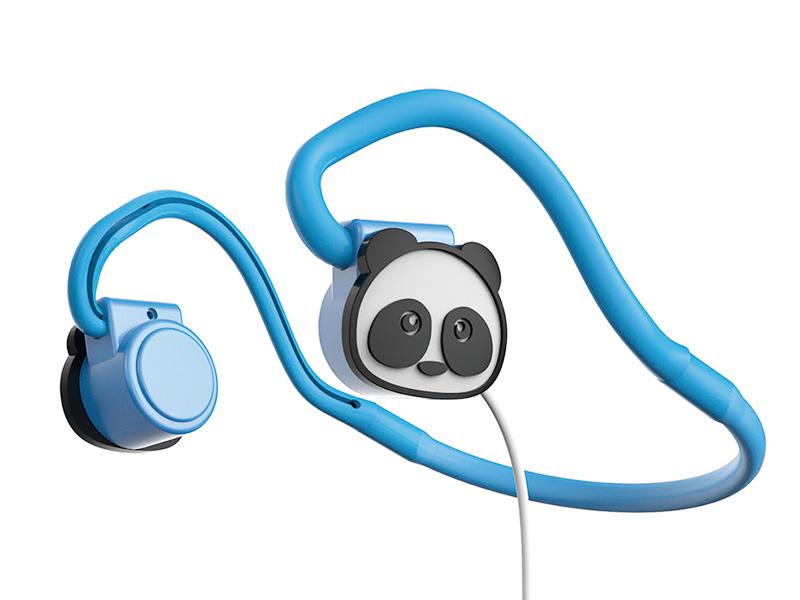
myFirst Headphones BC User Manual
Bone Conduction

myFirst Headphones BC

User manual for open-ear bone conduction headset. Details max 85dB volume limiting setup, mic configuration, and splash resistance.

Format: Digital PDF Language: Multilingual
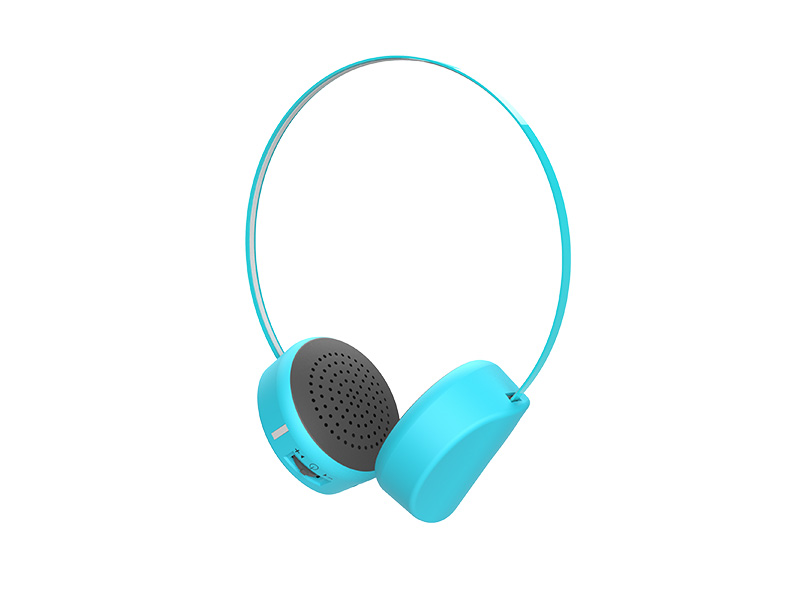
myFirst Headphones Wireless Manual
Safe Volume Headset

myFirst Headphones Wireless

Wireless pairing guide, volume ceiling explanation, headband adjustment rules, and charging care instructions.

Format: Digital PDF Language: Multilingual
myFirst Shield Wireless Earphones Manual
Wireless Earbuds

myFirst Shield Guide

Instructions for touch controls, ear tip size fitting, charging case status LED indicators, and Bluetooth pairing reset.

Format: Digital PDF Language: Multilingual
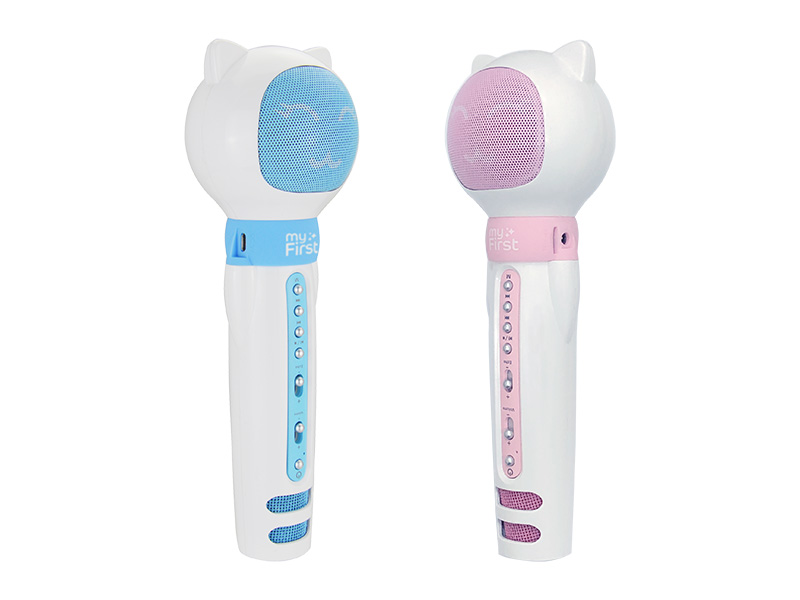
myFirst Voice Speaker Mic Manual
Mic & Speaker

myFirst Voice Guide

Operational guide for portable microphone and Bluetooth speaker combo. Explains echo suppression, pairing, and volume control.

Format: Digital PDF Language: Multilingual
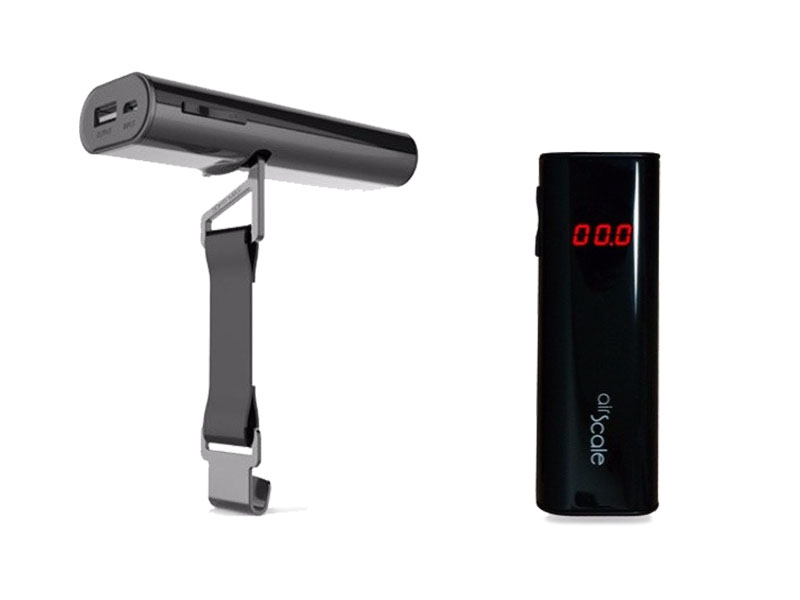
AirScale Digital Luggage Scale Manual
Scale & Power Bank

AirScale Manual

Guide for dual-function digital luggage scale and power bank. Explains strain-gauge zeroing, kg/lb toggle, and emergency power output.

Format: Digital PDF Language: English / Global
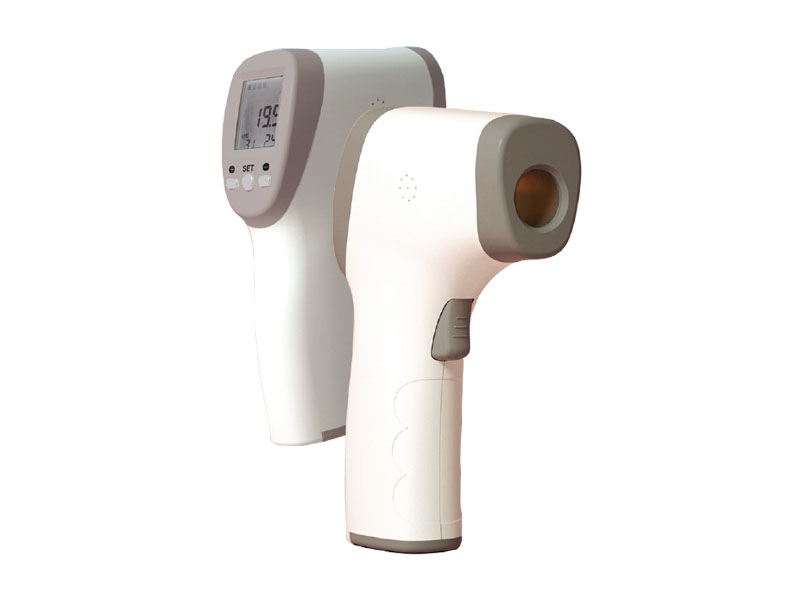
Infrared Digital Forehead Thermometer Manual
Medical Infra-Red

Infrared Thermometer Manual

Technical compliance guide and operation steps for non-contact infrared forehead temp reading, memory recall, and calibration.

Format: Digital PDF Language: English / Japanese
Oaxis OEM ODM technical engineering documentation process
Global Partner Services

OEM/ODM Custom Manuals & Compliance Support

For international buyers, telco carriers, and private-label distributors, Oaxis offers end-to-end documentation localization alongside our hardware delivery. We ensure your retail units meet local regulatory standards and customer support expectations.

  • Localized Translation & Artwork — Print-ready DTP dielines, multilingual user manuals, and regional packaging artwork.
  • Compliance Certification Reports — Complete test dossiers for CE, FCC, RoHS, REACH, Bluetooth SIG, UKCA, TELEC, and NCC.
  • SDK & Companion App Customization — Custom mobile app branding, firmware skinning, and API integration guides.
  • Dedicated RMA & After-Sales Workflows — Documented technical support flows, troubleshooting trees, and spare-parts catalogs.
Technical FAQ

Frequently Asked Questions by Buyers & Partners

Yes. We provide complete localized translation services and dieline source files for OEM/ODM clients. Manuals can be tailored with your custom brand guidelines, contact information, and region-specific compliance marks.

Official certification test reports (CE, FCC, RoHS, REACH, Bluetooth SIG) are available to verified procurement partners. Request documentation through our direct live chat channel.

All Oaxis smart devices receive Over-The-Air (OTA) firmware updates via our official iOS and Android companion applications. Detailed patch notes and firmware guides are distributed directly to partner channels.

We supply accredited retail partners with white-background studio imagery, localized product copy, high-resolution lifestyle assets, and digital PDF user manuals for online publication.

Need Specialized Technical Documentation or B2B Quotes?

Our engineering and export sales teams are ready to support your market launch with datasheets, OEM customizations, and wholesale pricing structures.